โœฆ v2.0-elite โ€” Fedora & Arch Linux
๐ŸŒŠ  Hyprland ยท Liquid Glass ยท OxygenOS 16

Hydra

Minimal ยท Fluid ยท Beautiful

A smooth OxygenOS 16-inspired Hyprland rice for Fedora & Arch โ€” liquid glass aesthetic with blur, animations, auto backup, and one-script install.

View on GitHub Installation Guide
yogarajjuju/Hydra โ€” v2.0-elite Hyprland 0.54+
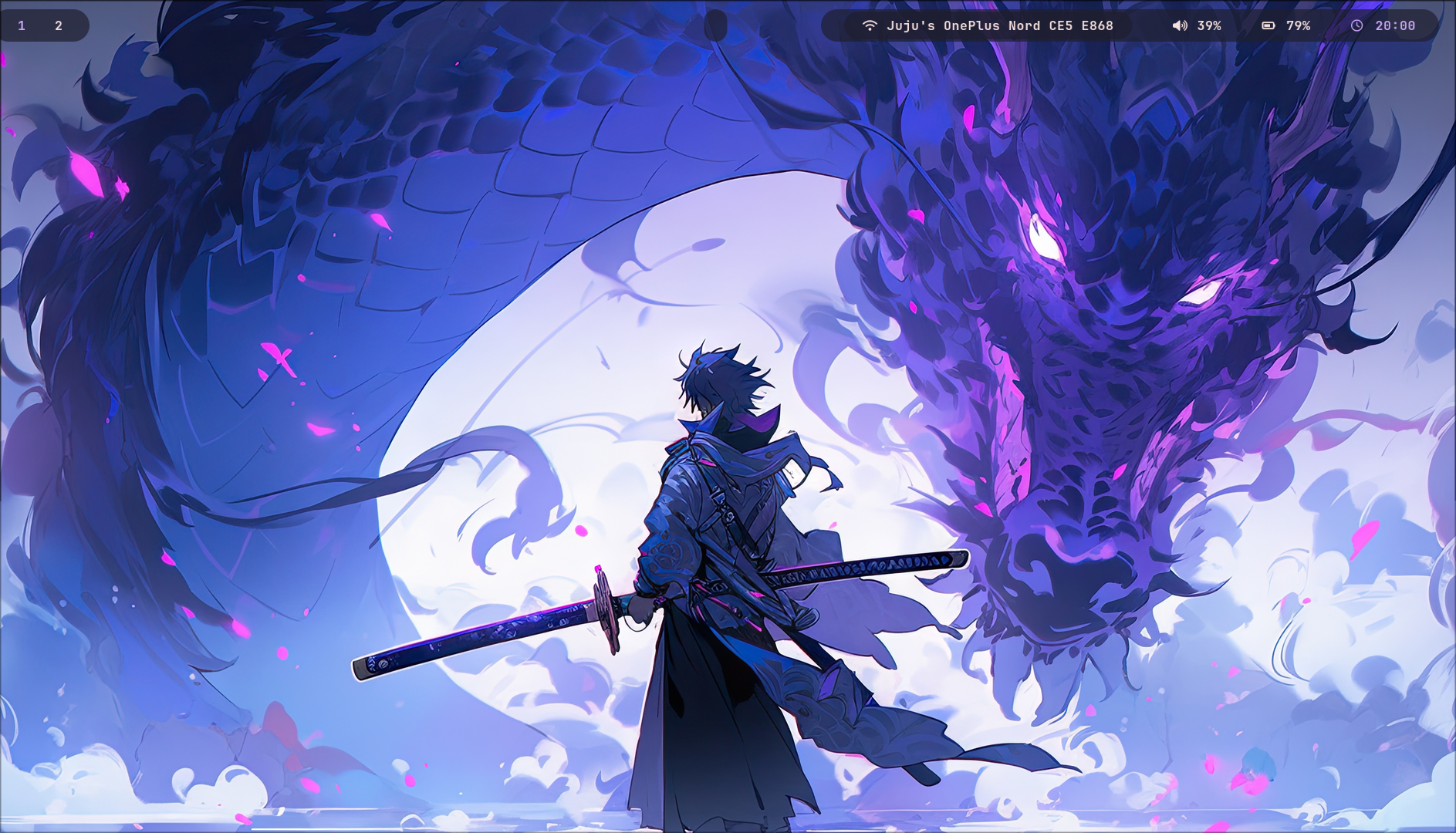
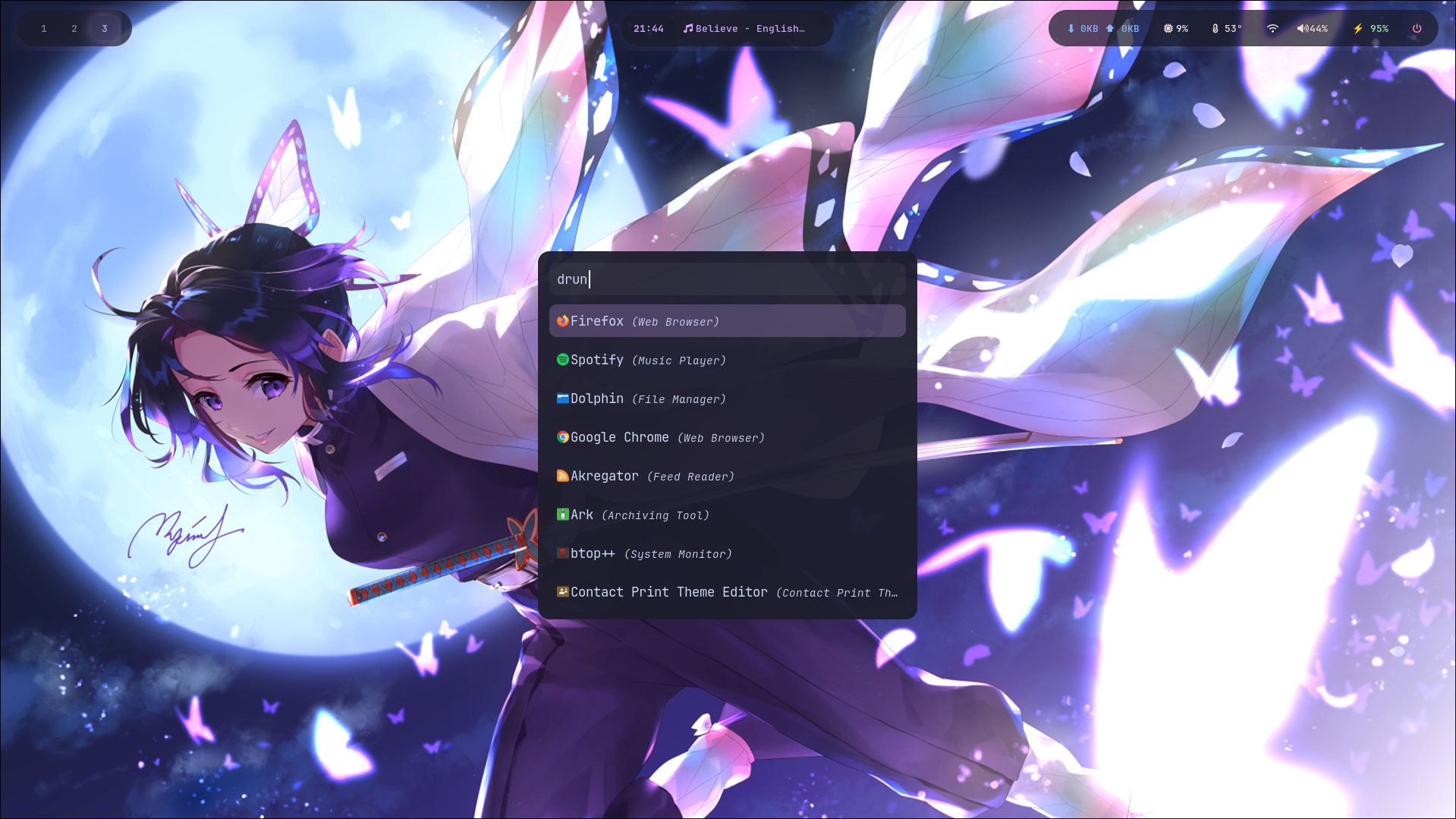
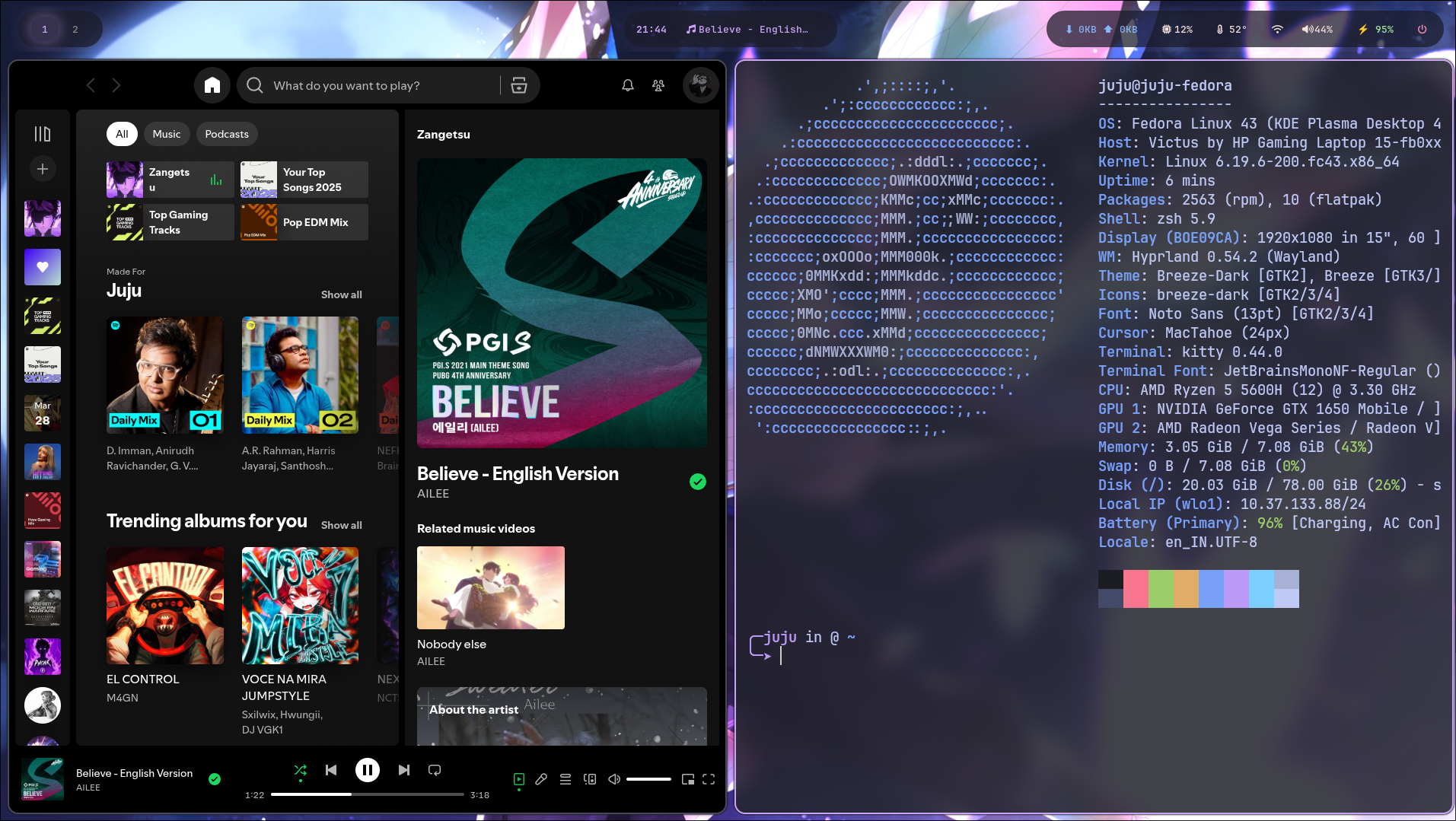
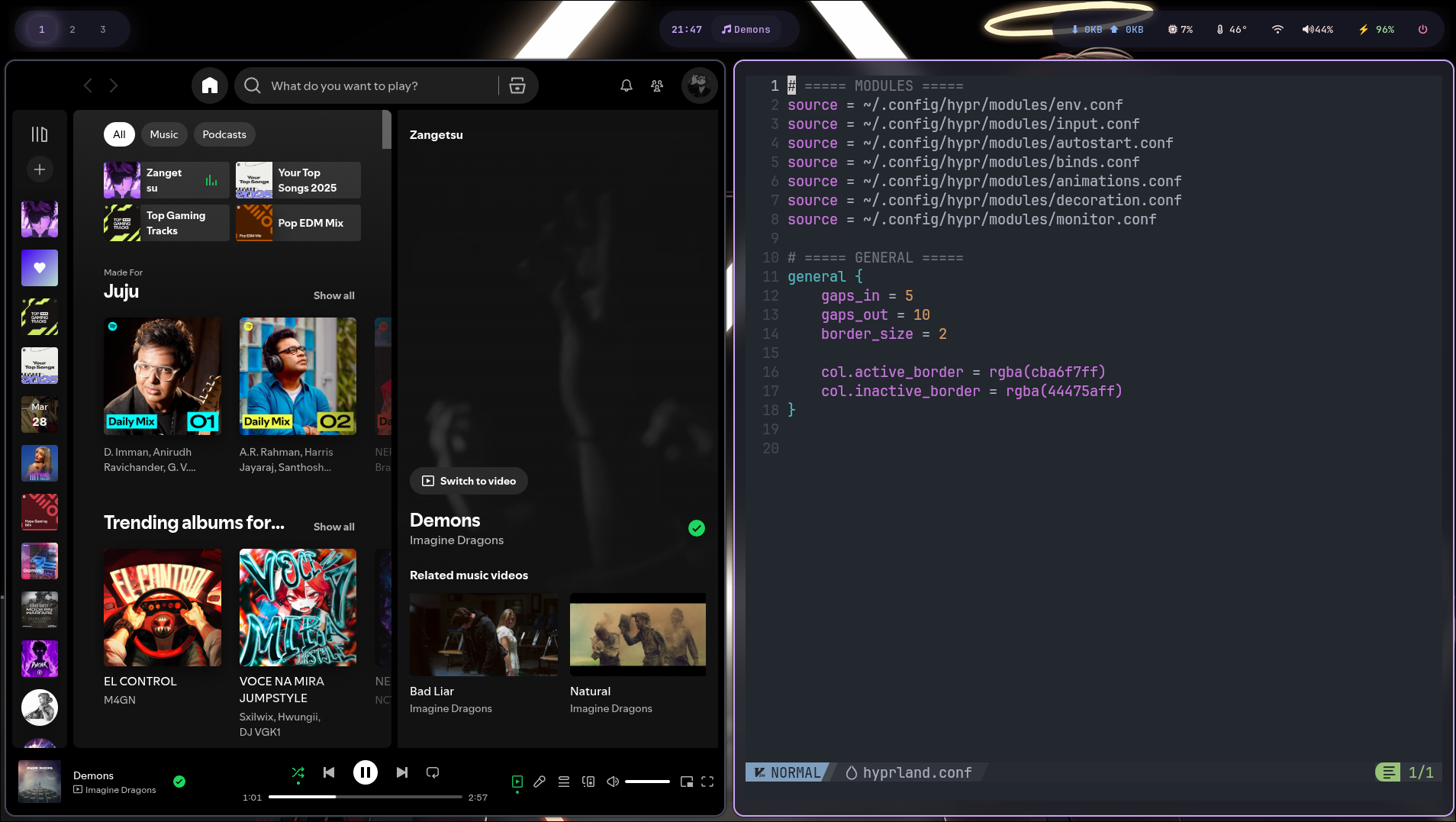
Hydra Desktop
What you get
Everything, pre-configured
One script. Full setup. Auto-detects your distro and configures everything beautifully.
๐ŸŽž๏ธ
OxygenOS 16 Animations
Switchable smooth & bouncy styles on the fly โ€” SUPER+SHIFT+F1/F2.
๐Ÿ’œ
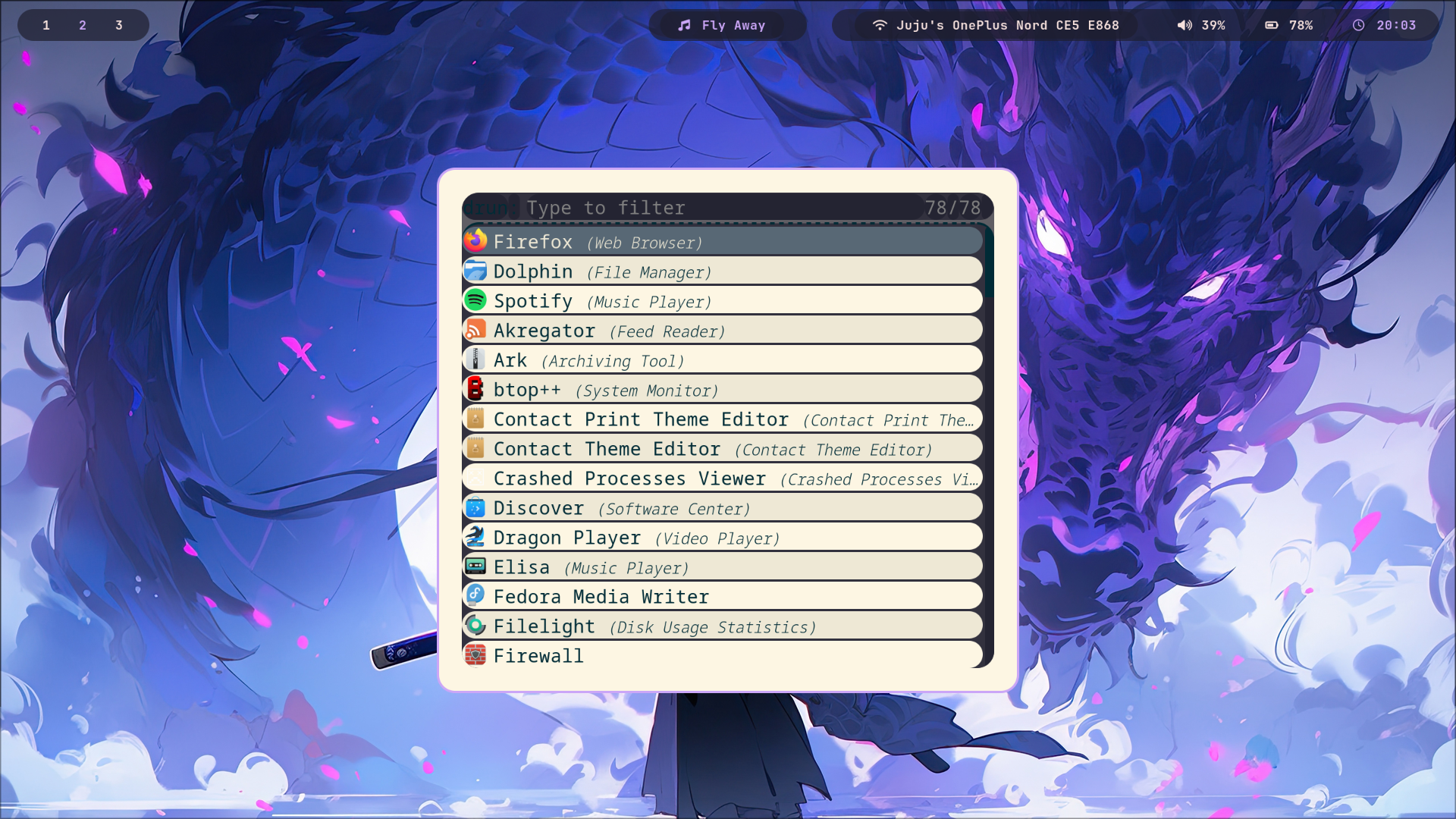
Liquid Glass Aesthetic
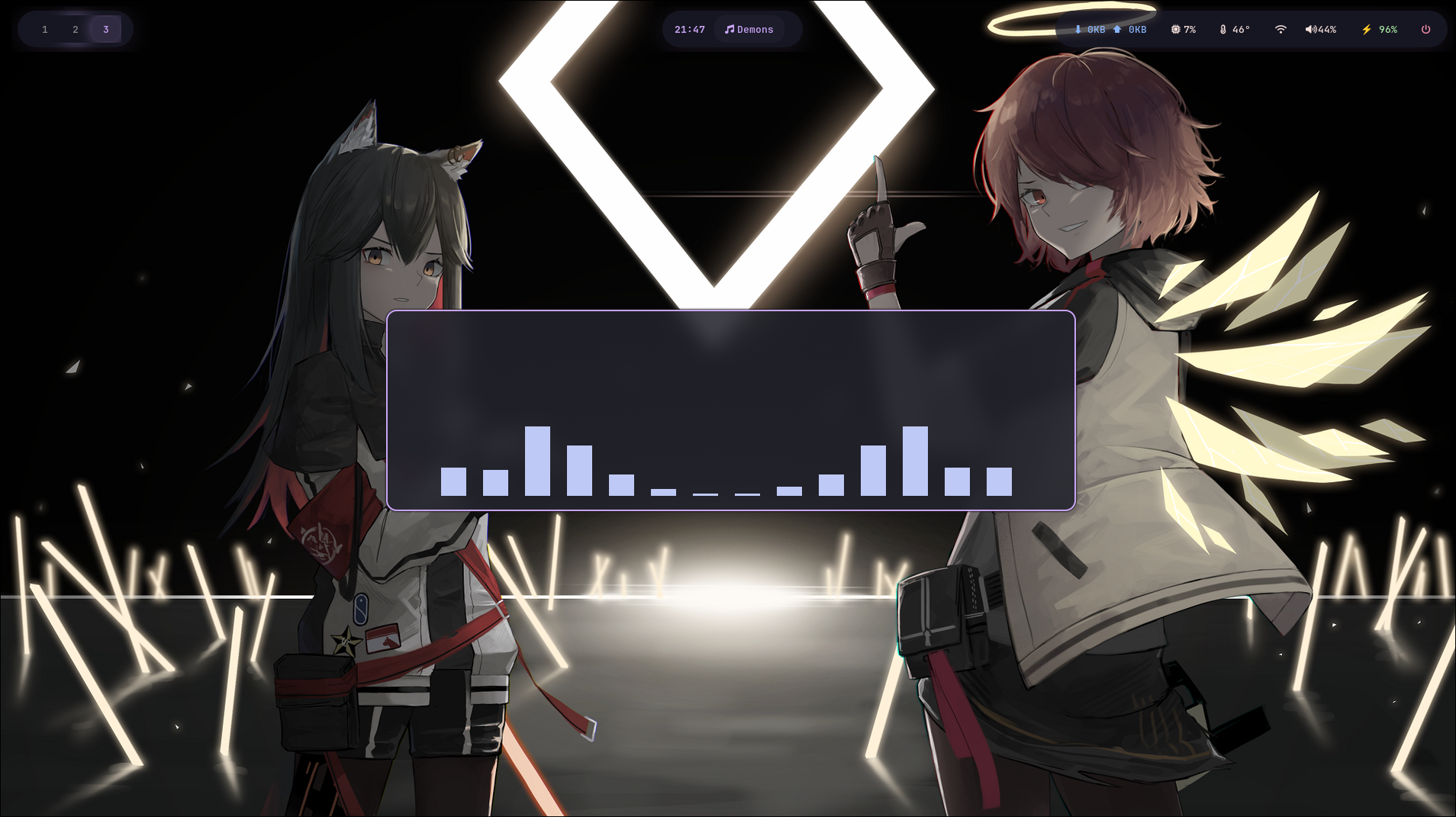
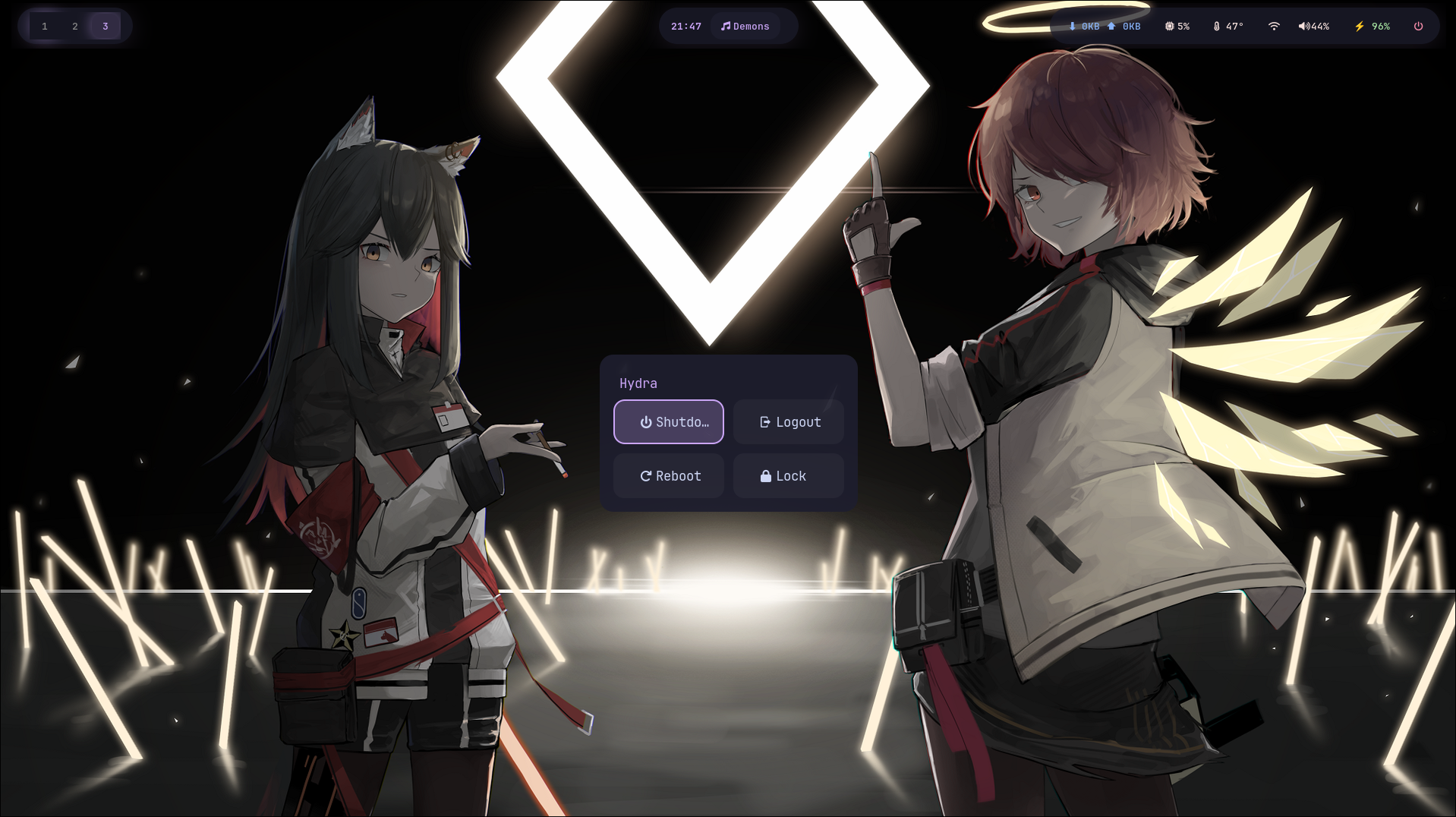
High blur, transparency, and purple glow effects throughout the entire desktop.
๐Ÿ“ฆ
Dual Distro Support
Auto-detects Fedora (dnf) or Arch (pacman) and installs accordingly.
๐Ÿ”„
Update & Uninstall
Pull latest configs with one command. Clean removal preserving your backups.
๐Ÿ’พ
Auto Backup & Rollback
Backs up existing configs before touching anything. Auto-rolls back on failure.
๐ŸŽต
Media Integration
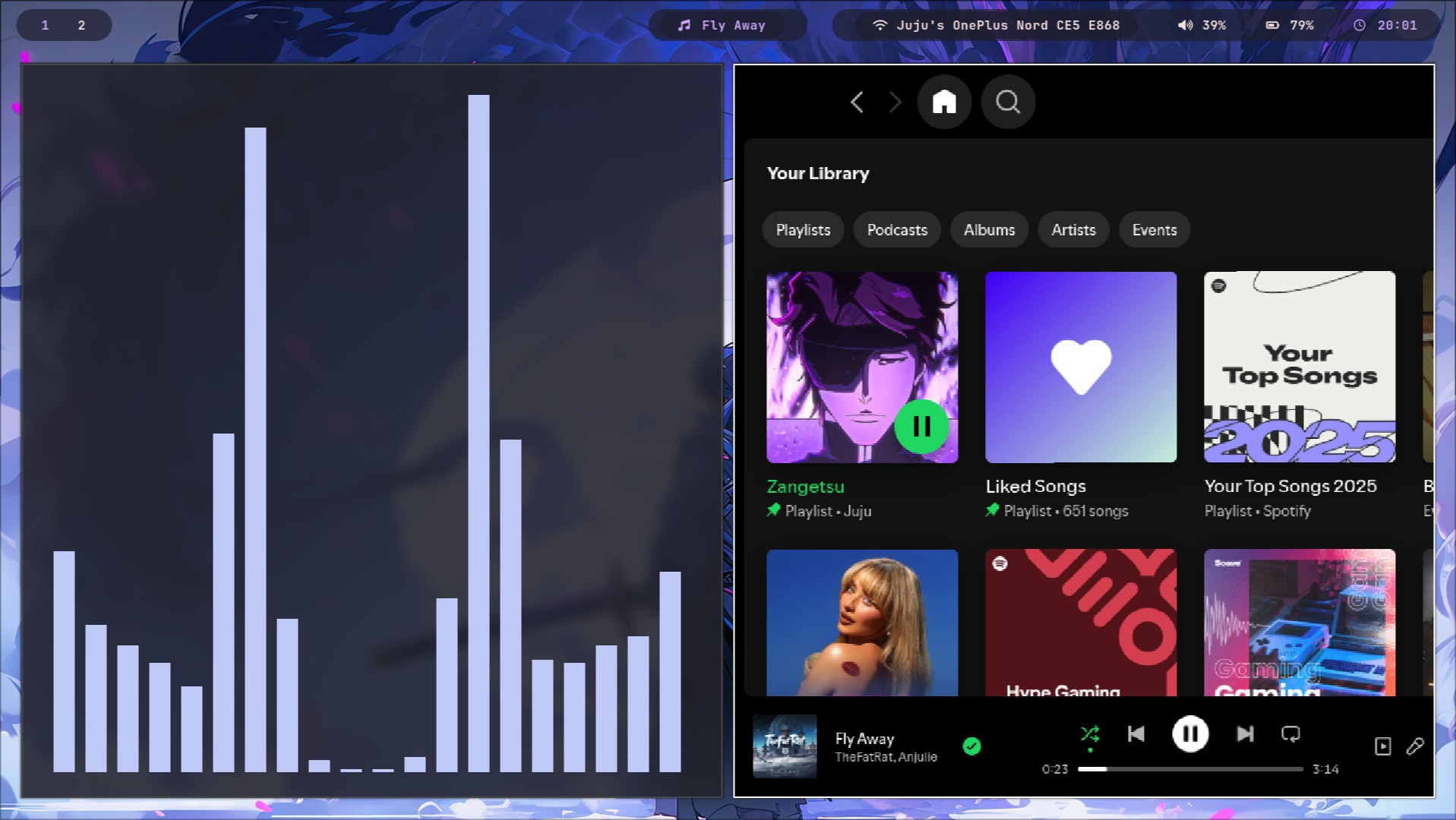
Waybar + Spotify/MPRIS + floating Cava visualizer toggled with SUPER+C.
๐ŸŒ
WiFi TUI
Quick network manager via nmtui in a floating terminal โ€” SUPER+W.
๐Ÿ“‹
In-built Cheatsheet
View all keybinds from Rofi anytime โ€” SUPER+/.
๐ŸŽจ
Random Wallpaper
Shuffle wallpapers on the fly with SUPER+ALT+W using swww daemon.
Requirements
  • โ–ธFedora 39/40/41 or Arch Linux
  • โ–ธInternet connection
  • โ–ธGit installed
  • โš NVIDIA may need extra driver config
Who is this for?
  • โœฆUsers wanting a ready-to-use setup
  • โœฆBeginners who prefer no manual config
  • โœฆLinux users who love aesthetic desktops
What gets installed
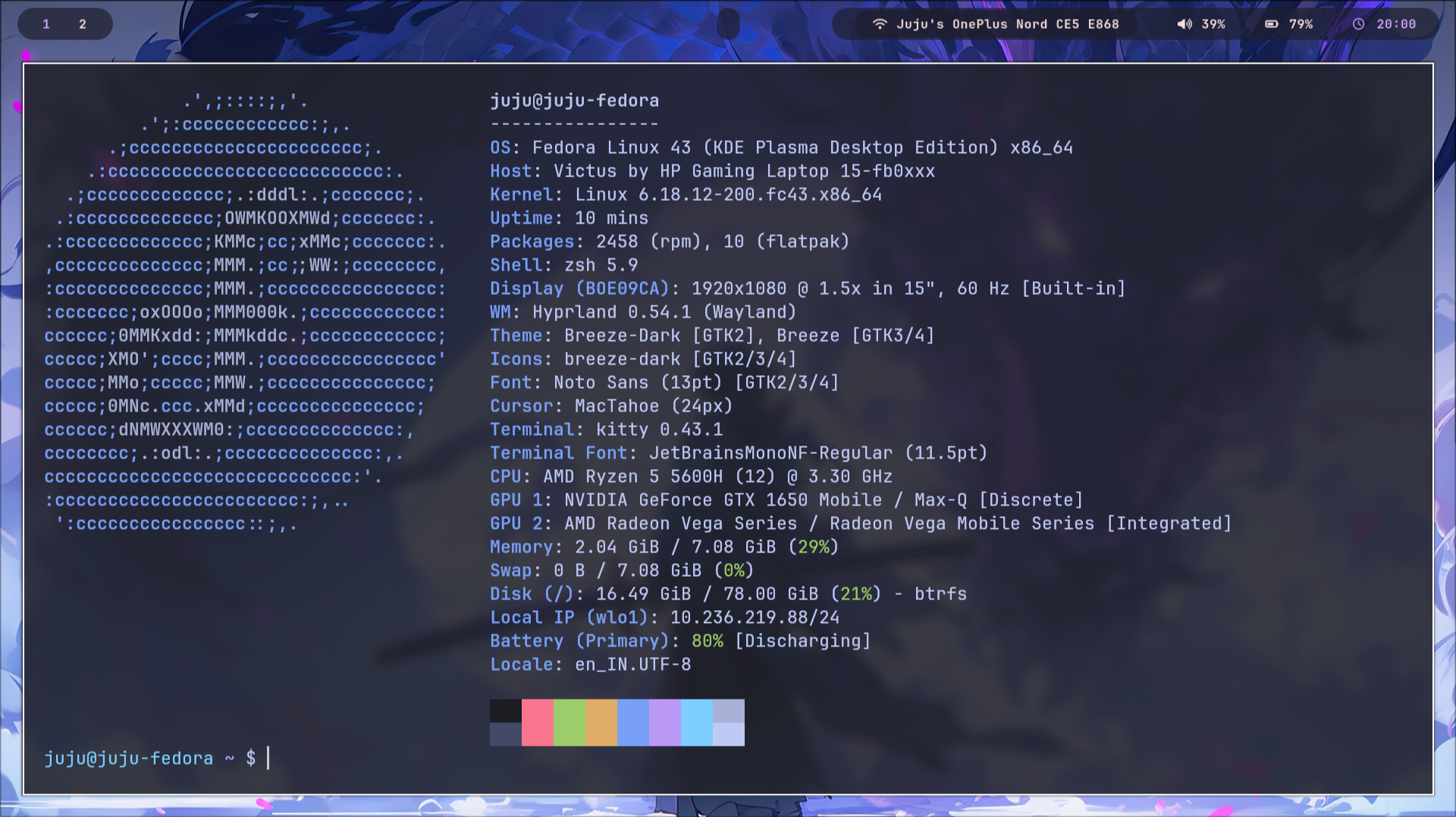
Hyprland Waybar Kitty Rofi Cava swww hyprlock hypridle grim+slurp brightnessctl wireplumber NetworkManager
Shortcuts
Keybindings
SUPER + TTerminal (Kitty)
SUPER + BBrowser (Chrome)
SUPER + VVS Code
SUPER + EFile Manager (Dolphin)
SUPER + AApp Launcher (Rofi)
SUPER + QClose Window
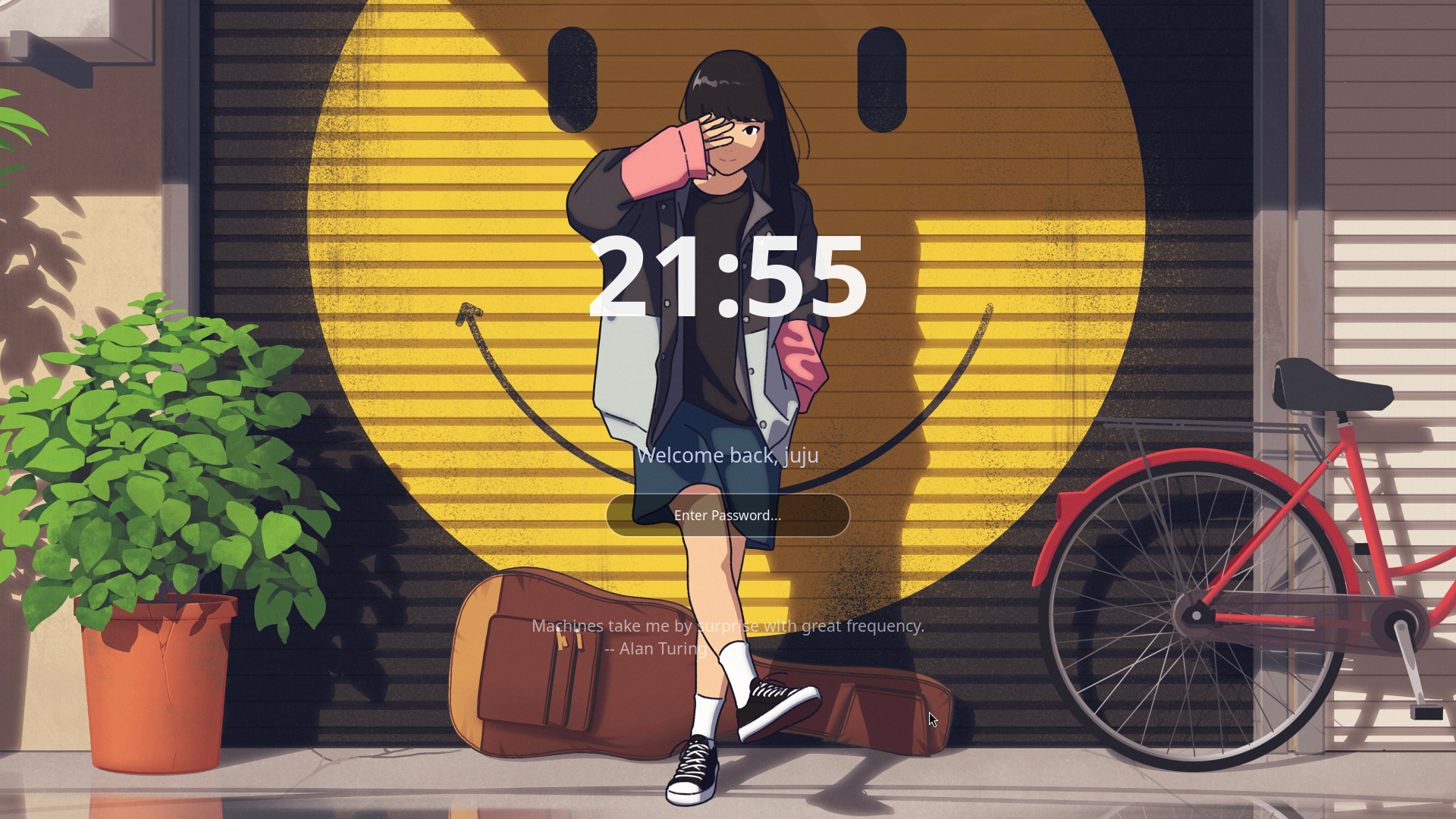
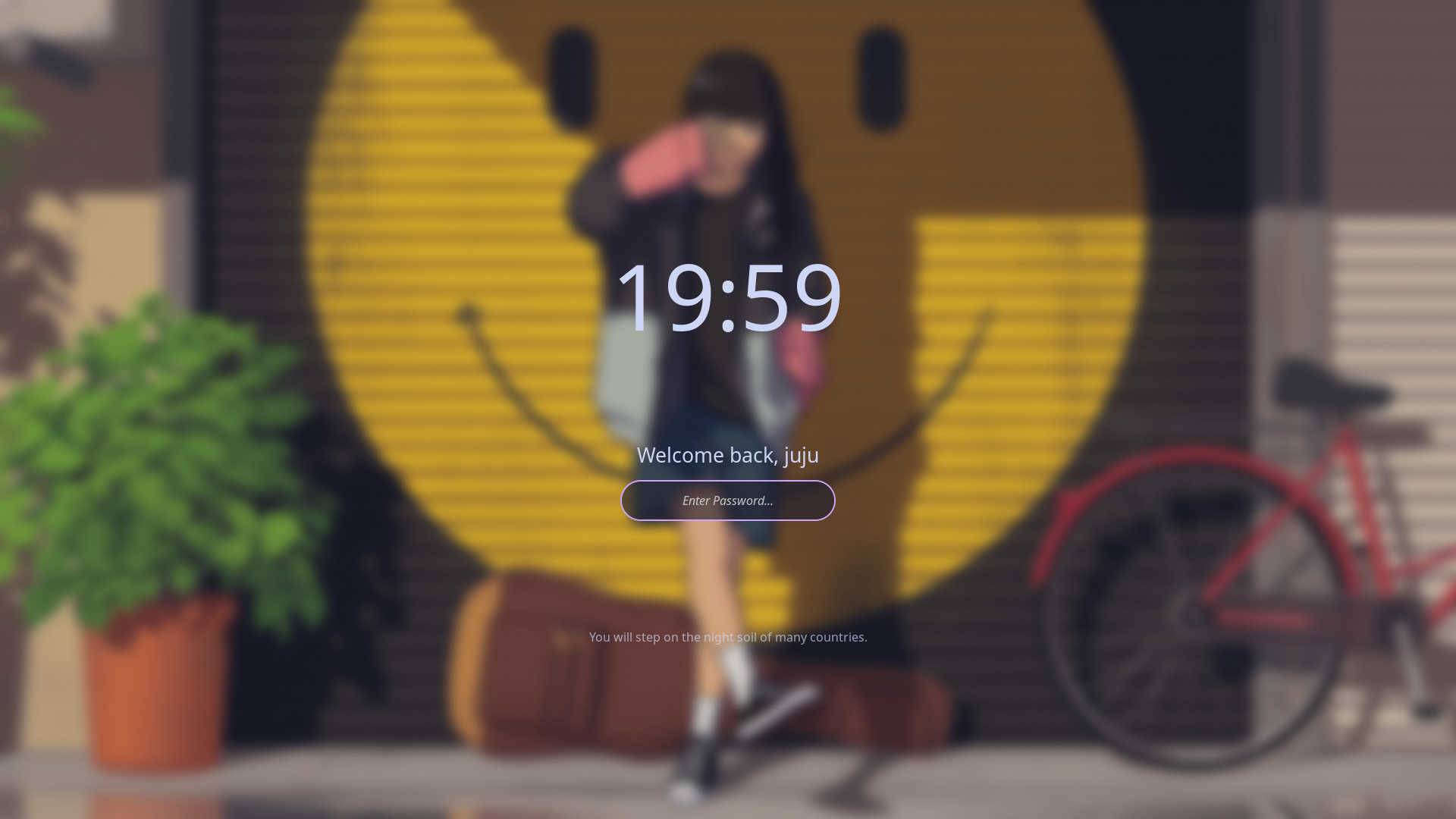
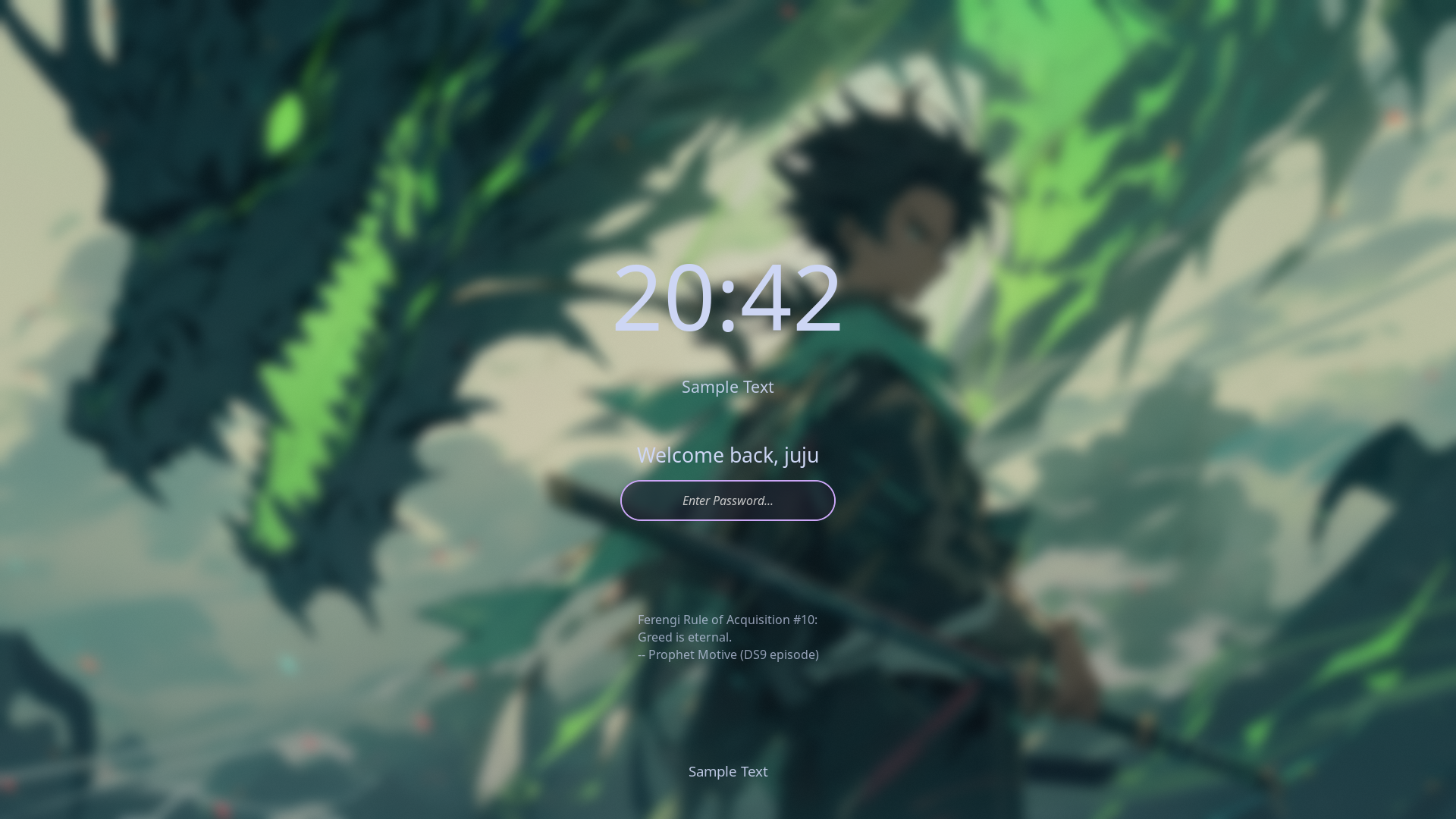
SUPER + LLock Screen
SUPER + WWiFi Manager
SUPER + PScreenshot (region)
SUPER + /Keybind Cheatsheet
SUPER + CToggle Floating Cava
SUPER + ALT + WRandom Wallpaper
SUPER + FFullscreen
SUPER + SHIFT + SPACEToggle Floating
SUPER + Arrow KeysMove Focus
SUPER + SHIFT + ArrowsMove Window
SUPER + ALT + ArrowsResize Window
SUPER + TabCycle Layout
SUPER + SHIFT + F1Smooth Animations
SUPER + SHIFT + F2Bounce Animations
XF86AudioRaiseVolumeVolume Up
XF86AudioLowerVolumeVolume Down
XF86AudioMuteMute Toggle
XF86Brightness Up/DownBrightness Control
ALT + CTRL_RReload Waybar
SUPER + 1โ€“5Switch Workspace
SUPER + SHIFT + 1โ€“5Move Window to Workspace
Get started
Installation
Auto-detects your distro. One script configures everything.
git clone https://github.com/yogarajjuju/Hydra.git
cd Hydra
chmod +x install.sh
./install.sh
Update
./update.sh
Uninstall
./uninstall.sh
โš ๏ธThis setup modifies system configuration files. The installer automatically backs up your existing configs before making any changes.
The Developer
Yogaraj Juju
Linux enthusiast ยท Hyprland ricer ยท Open source contributor
๐Ÿ“ง
Email
yogarajjuju22@gmail.com
๐Ÿ™
GitHub
github.com/yogarajjuju
๐Ÿ’ผ
LinkedIn
linkedin.com/in/yogaraj-s-b67ab8269
๐ŸŒ
Portfolio
yogarajs.vercel.app
Visit โ†—
Love Hydra? โญ
Give it a star on GitHub โ€” it helps the project grow!
โญ Star on GitHub